Introduction
Centreon comes with a mobile version to let you access the status of resources from a phone or tablet.
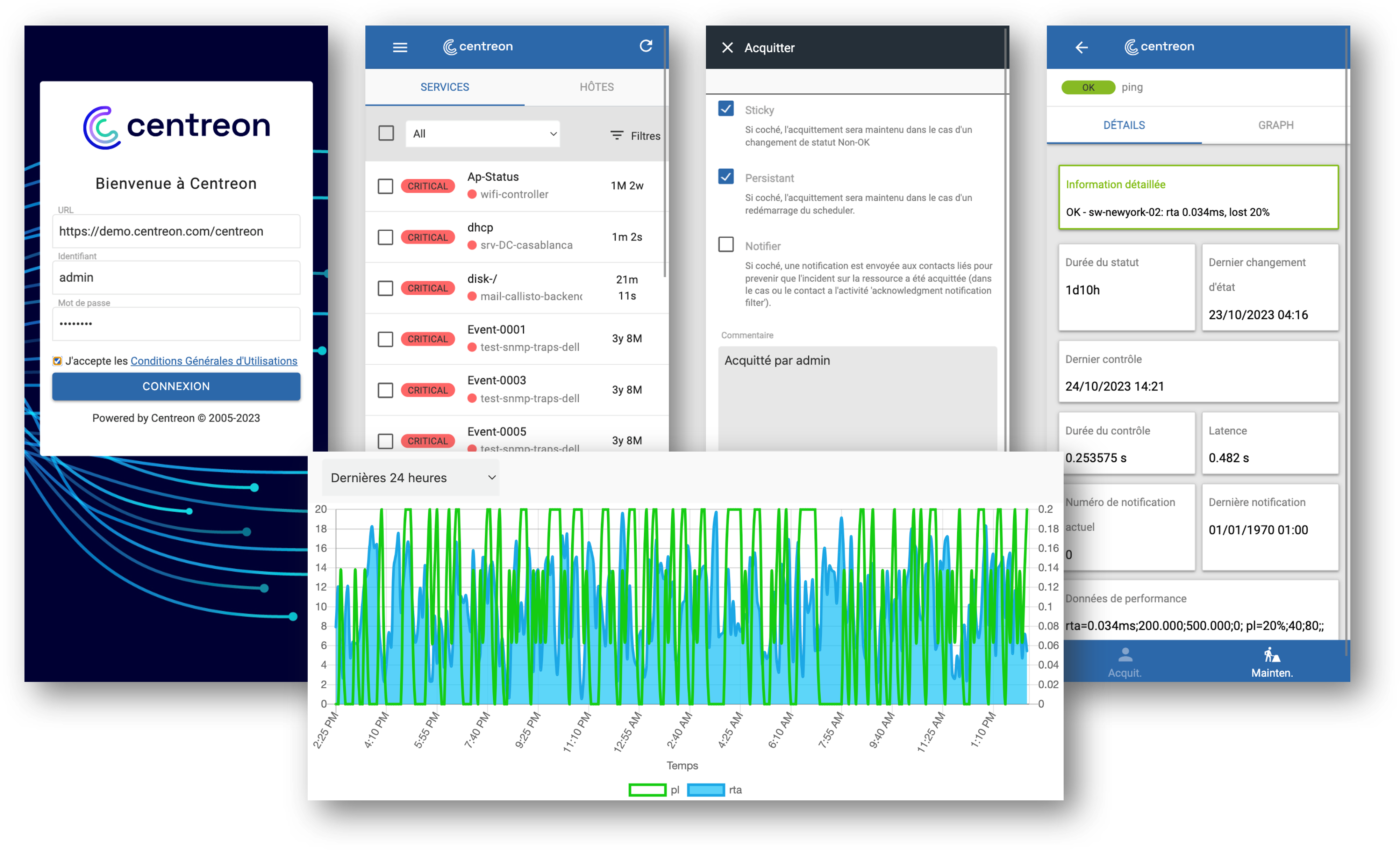
The main capabilities of Centreon mobile are:
- See the current status of your resources: hosts and services
- Filter the resource list
- Take actions: acknowledge or set planned downtime
- See detailed information on a host or service
- Access metrics history via charts
Prerequisites
To be able to connect Centreon mobile to your Centreon platform, you need to:
- Have a Centreon platform >= 20.04
- Have a “Direct” connection between your smartphone and the Centreon platform you want to connect to. You may also use a VPN
- Have a valid SSL certificate on your Centreon platform issued from a trusted certificate authority known by your device
How to access Centreon mobile
Go to mobile.centreon.com.
How to connect
When logging in for the first time, you need to input the following parameters:
- URL: URL to connect to your Centreon platform. Remember the /centreon if this your current Centreon URL. Example:
https://yourcentreon.int.com:PORT/centreon - User: Type your username to connect to Centreon
- Password: Type the password to connect to Centreon
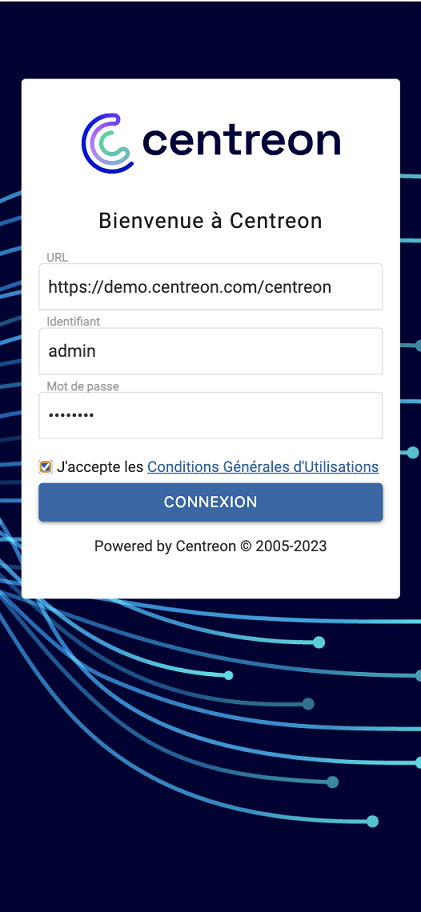
Delegated authentication is also supported.
If you have problems connecting:
- Make sure your Centreon platform is accessible from your device
- Make sure you give realtime API access to the user. Go to Configuration > Users > Contacts / Users: on the Centreon Authentication tab, Reach API Realtime must be enabled.